Save 15% On Orders $150🔥
USE CODE: SAVE15🔥

GET 40% OFF ALL BUNDLE PACKS!

0
1/2

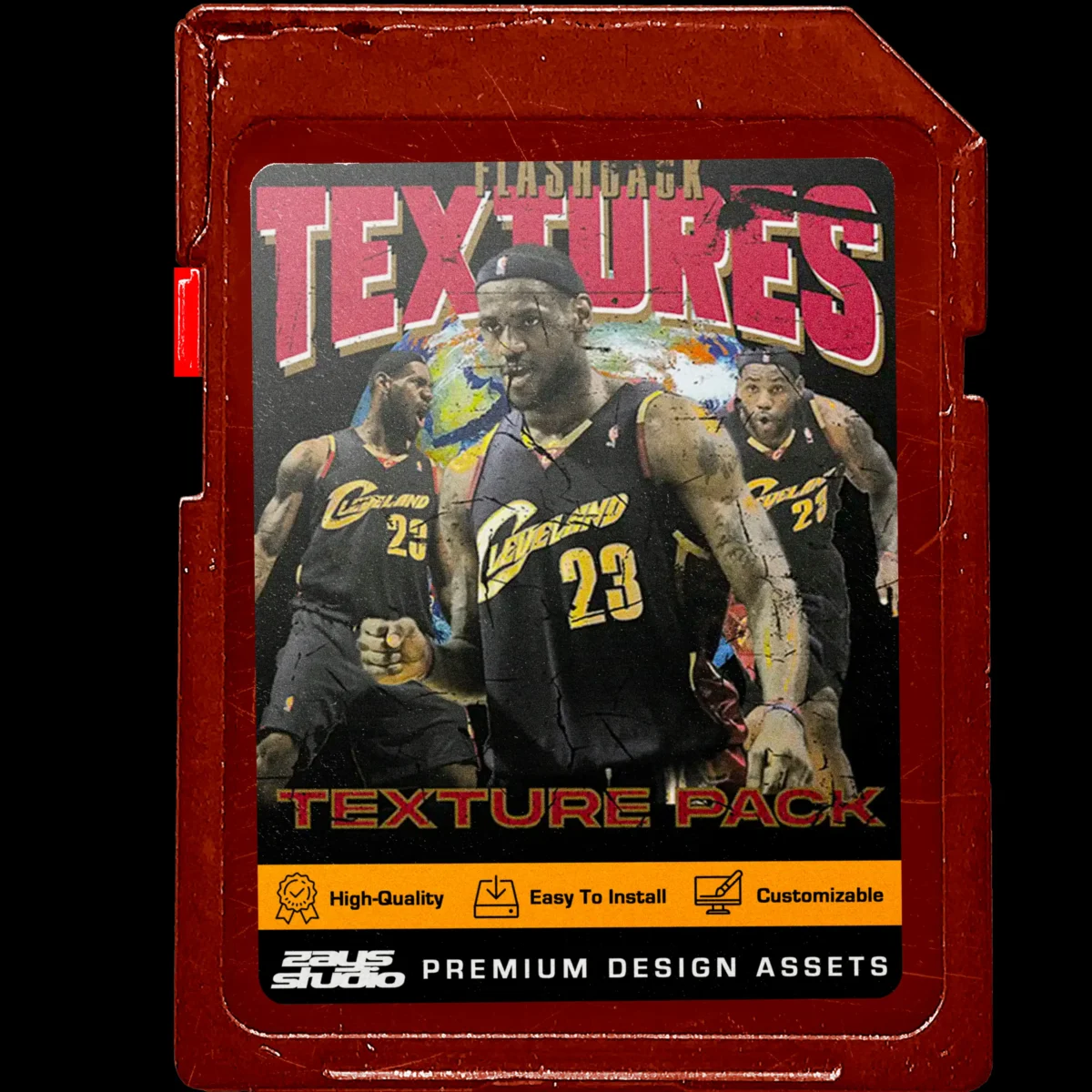
Grunge Texture Pack

Infuse Grit & Character: Vintage Textures for Streetwear

$24.99
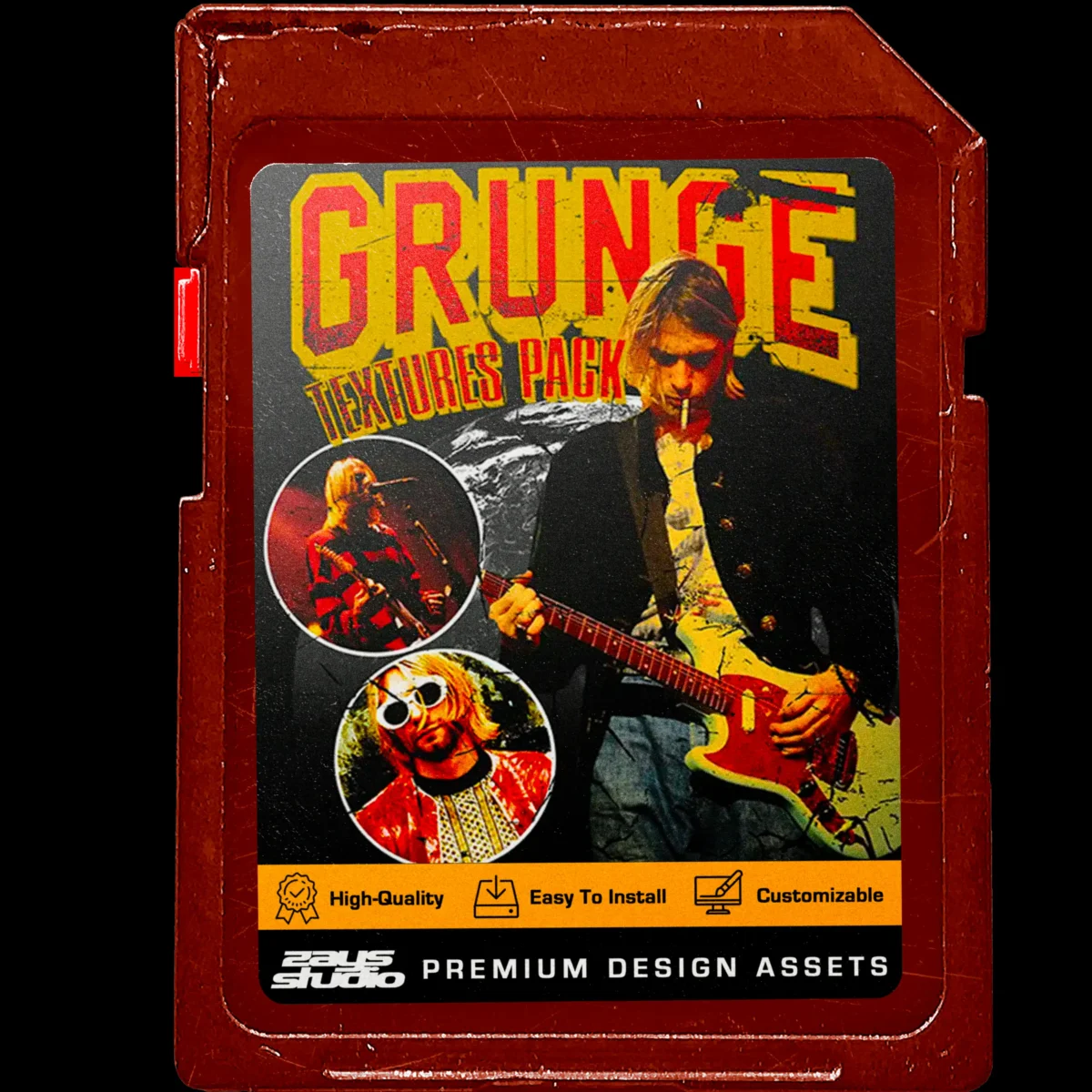


Inject instant vintage charm and a touch of grittiness into your designs with the Grunge Texture Pack!

This essential pack delivers 15 unique, high-resolution .PSD textures specifically designed to add an authentic vintage, worn-out effect to your streetwear merch designs. Effortlessly layer these textures over your graphics to achieve a classic, timeworn aesthetic that will elevate your streetwear designs.

Effortlessly achieve a timeless aesthetic with these versatile textures:

  • 15 Grunge Textures: Explore a variety of textures to create a range of vintage effects.
  • PSD Format: Seamless integration into your Photoshop workflow.
  • Instant Vintage Look: Achieve a classic, worn-out aesthetic with a single click.
  • Perfect for Streetwear: Add a touch of grittiness and character to your designs.

The Grunge Texture Pack is perfect for:

  • Streetwear designers: Elevate your merch with an infusion of vintage vibes.
  • Graphic designers: Add a touch of timeless texture to your projects.
  • Anyone seeking an effortless way to achieve a vintage aesthetic in their designs.

Included in this pack:

  • 15 High-Resolution (.PSD) Grunge Textures

Please check the download .zip after purchase for specific instructions, or please refer to the Installation & Tutorials page for basic video tutorials on how to install each different file type in Photoshop.

The required software will be clearly stated in the product description. However, here’s a quick reference for common products:

  • .ASL files (presets): Adobe Photoshop (version specified in product details)
  • .ABR files (brushes): Adobe Photoshop (version specified in product details)
  • .OTF or .TTF fonts: Most design software and operating systems support these font formats.
  • Mockups (usually .PSD files): Adobe Photoshop (version specified in product details)

We recommend checking the software compatibility information before purchase to ensure you have the necessary tools.

After completing your purchase, you will receive a confirmation email containing a download link. You can also access your downloads through your account on the Zay’s Studio website (if applicable).

  • Look for an email with the subject line “Your Order Is Complete!” which will contain a download link for your purchased product(s).
  • If you have an account on the Zay’s Studio website, log in and navigate to your “My Downloads” section. You should find your purchased product(s) available for download there.

Please note: Download links may expire after a certain period. If you encounter any issues downloading your product, contact our support team for assistance.

All tutorials for installation are located on the Installation & Tutorials page. For tips on how to use certain products, please refer to our YouTube channel where we upload tutorials commonly!

SHARE
Reviews (0)

Reviews

There are no reviews yet.

Only logged in customers who have purchased this product may leave a review.
Login
Create an account

A link to set a new password will be sent to your email address.

Your personal data will be used to support your experience throughout this website, to manage access to your account, and for other purposes described in our privacy policy.

Password Recovery

Lost your password? Please enter your username or email address. You will receive a link to create a new password via email.

Sign up now to be part of our inner circle and be the first to know about our latest drops, limited-time promotions, and more!

Footer Sign Up
Days
Hrs
Mins
Sec
GET <font color="#ff0000">20% OFF</font> + A FREE STARTER DESIGN PACK

GET 20% OFF + A FREE STARTER DESIGN PACK

Sign up for our VIP List & get The Starter Design Tools Pack for FREE!
GET <font color="#ff0000">20% OFF</font> + A FREE STARTER DESIGN PACK

GET 20% OFF + A FREE STARTER DESIGN PACK

Sign up for our VIP List & get The Starter Design Tools Pack for FREE!
Popup/Free Starter Pack Signup
Added to wishlist!
Grunge Texture Pack
Grunge Texture Pack

$24.99

Please check the download .zip after purchase for specific instructions, or please refer to the Installation & Tutorials page for basic video tutorials on how to install each different file type in Photoshop.

The required software will be clearly stated in the product description. However, here’s a quick reference for common products:

  • .ASL files (presets): Adobe Photoshop (version specified in product details)
  • .ABR files (brushes): Adobe Photoshop (version specified in product details)
  • .OTF or .TTF fonts: Most design software and operating systems support these font formats.
  • Mockups (usually .PSD files): Adobe Photoshop (version specified in product details)

We recommend checking the software compatibility information before purchase to ensure you have the necessary tools.

After completing your purchase, you will receive a confirmation email containing a download link. You can also access your downloads through your account on the Zay’s Studio website (if applicable).

  • Look for an email with the subject line “Your Order Is Complete!” which will contain a download link for your purchased product(s).
  • If you have an account on the Zay’s Studio website, log in and navigate to your “My Downloads” section. You should find your purchased product(s) available for download there.

Please note: Download links may expire after a certain period. If you encounter any issues downloading your product, contact our support team for assistance.

All tutorials for installation are located on the Installation & Tutorials page. For tips on how to use certain products, please refer to our YouTube channel where we upload tutorials commonly!